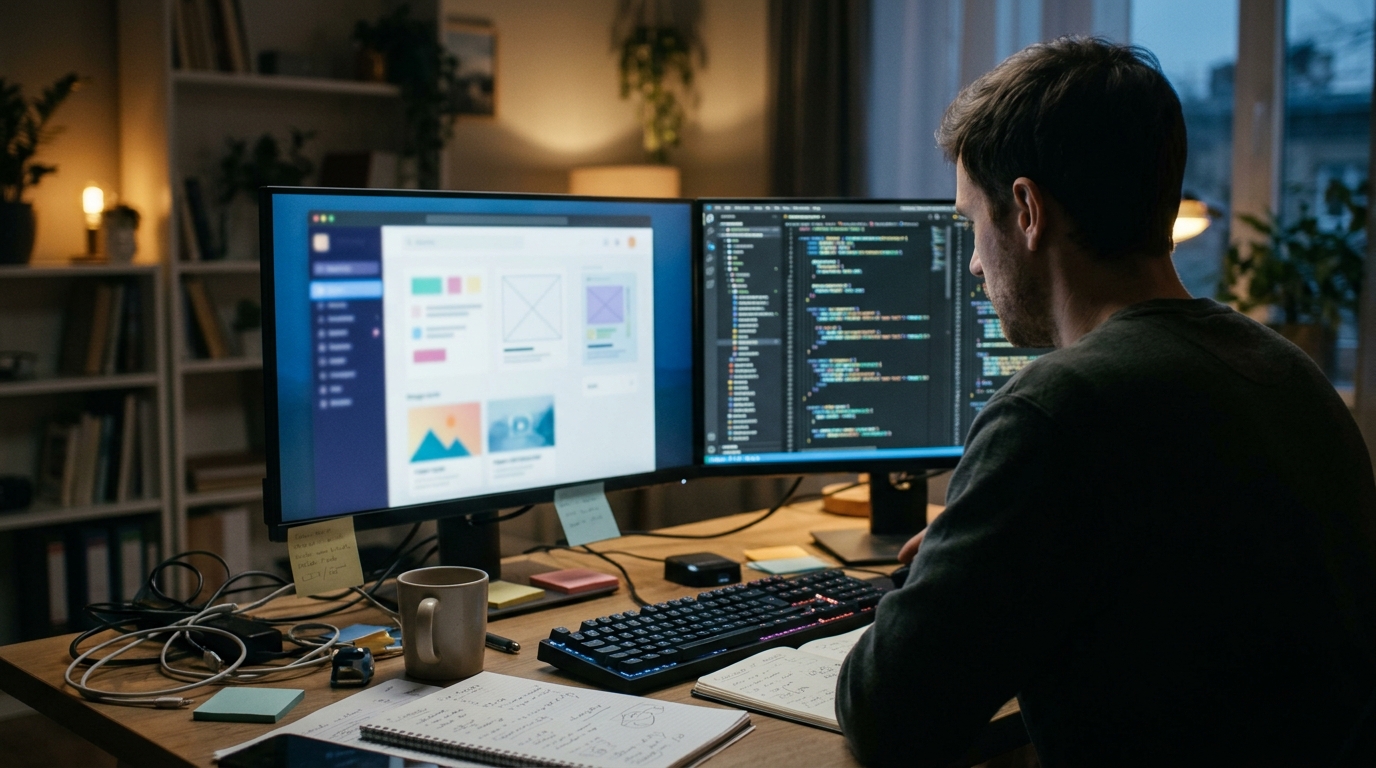
Turning a screenshot into working frontend code is a practical way to reverse engineer visual interfaces. It allows developers to inspect layout, spacing, and styling directly from a static image. This process is valuable for rapid prototyping and competitive analysis. It is not a magic replacement for full source code access. Understanding the limitations and benefits helps teams decide when to use this approach.
Defining Screenshot to Code
Screenshot to code is the process of analyzing a static image of a user interface to generate functional HTML, CSS, and JavaScript. It differs from full source code extraction because it relies on visual interpretation rather than direct access to the underlying files. This method is often used when the original code is proprietary or unavailable. It serves as a bridge between visual design and functional implementation.
The Technical Process
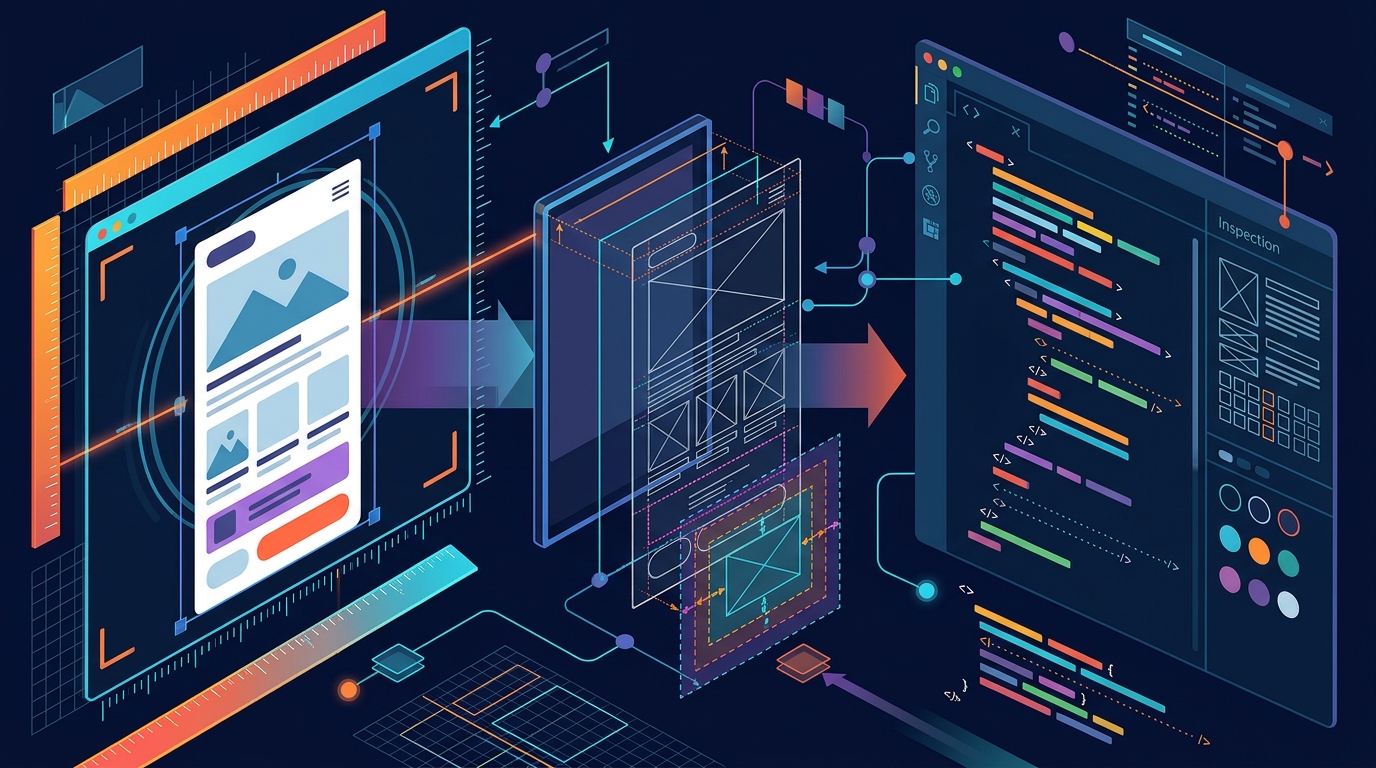
The technical process begins with image analysis. Algorithms detect elements such as buttons, text blocks, and images. They estimate positions, sizes, and colors. This data is then mapped to CSS properties like flexbox or grid layouts. The generated code is a best-effort approximation. It may require manual adjustment to match the original behavior perfectly. This step is critical for ensuring the output is usable in a production environment.
Accuracy and Limitations
Accuracy depends on the complexity of the interface. Simple static pages convert well. Complex interactive components often fail. Dynamic behaviors like hover states or animations are hard to infer from a single image. The generated code may lack semantic structure. It might use divs instead of semantic tags like header or nav. This can impact accessibility and SEO. Developers must review the output carefully before deployment.
Business Value and Use Cases
The business value lies in speed and insight. Teams can quickly replicate competitor features for analysis. They can also prototype new designs without waiting for developers. This accelerates the feedback loop. It is particularly useful for product managers and designers. They can test visual concepts before committing to full development. The cost of trial and error is reduced significantly.
The Unlovable Approach
Key Takeaways
- Screenshot to code is a visual interpretation method, not a source code extractor.
- Accuracy varies based on interface complexity and dynamic behavior.
- It is best used for prototyping and competitive analysis.
- Generated code often requires manual refinement for production use.
- Unlovable provides a structured intelligence workspace for these investigations.
- The process accelerates design feedback loops for product teams.
Frequently Asked Questions
Is screenshot to code accurate enough for production?
It is rarely accurate enough for production without manual review. The generated code is a starting point. Developers must verify functionality, accessibility, and performance. It is best used for prototyping or analysis rather than direct deployment.
Can it extract dynamic JavaScript behavior?
No, it cannot extract dynamic behavior from a static image. It infers visual states but not the logic behind them. You must manually implement the interactive features.
How does Unlovable differ from standard tools?
Unlovable provides an intelligence workspace for structured investigations. It allows users to save and report on their analyses. This adds a layer of documentation and insight beyond simple code generation.
Is it legal to use screenshot to code?
It is generally legal to analyze public websites for personal or educational use. However, you must respect copyright and terms of service. Do not copy protected content or brand assets without permission.
What is the cost of using Unlovable?
Access is structured at 11.99 USDC per 30-minute inclusion window. This is paid via the USDC-based Agent API on the Base mainnet. No paid subscription is required for basic site access. Learn more: R E.